 9.4
9.4
Laptop stands / With cooling fan
This range
Cooling Fan Laptop Stands
Updated on 2026-10-25
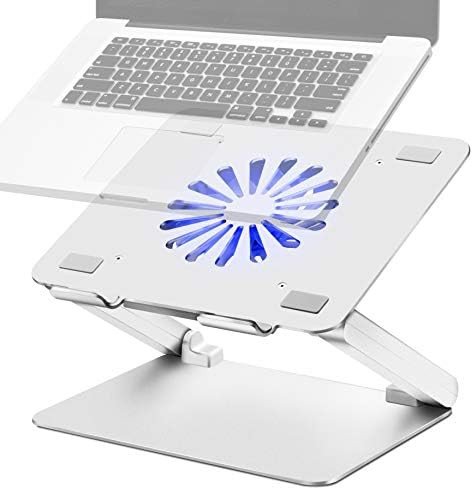
Integrated USB-powered fans that provide active airflow to prevent high-performance laptops from overheating 51 stands · 39 brands
Foldable laptop stand
Portable laptop stand
Aluminum laptop stand
Office laptop stand
Riser
Fits a tablet
Black laptop stand
360° Rotating laptop stand
Cheap
Fits 17 inch
Silver laptop stand
Fits a 17 in laptop
Fits 15.6 inch
Fits a 15.6 in laptop
Metal laptop stand
Fits 16 inch
Fits a 16 in laptop
Gaming laptop stand
Travel laptop stand
Fits a 17.3 in laptop
Vertical laptop stand
Wooden laptop stand
With cooling fan
Ventilated laptop stand
Gray laptop stand
For bed and sofa
With phone holder
Lap desk
Fits 14 inch
Invisible laptop stand
Pink laptop stand
White laptop stand
With mouse tray
Fits 13 inch
DJ laptop stand
Chromebook
Acrylic laptop stand
Rolling laptop stand
With RGB lighting
Z-Shaped laptop stand
For men
Brown
Floor stand
For women
Best Cooling Fan Laptop Stands
9.4
 9.3
9.3
KOCASO
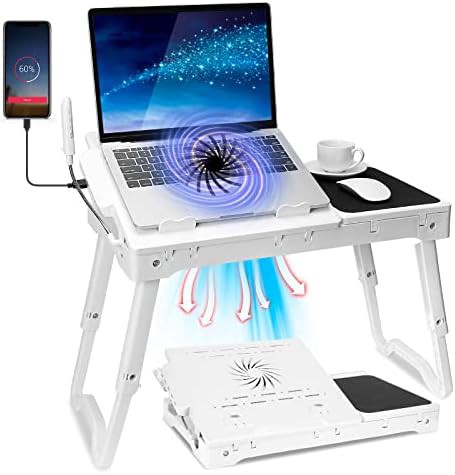
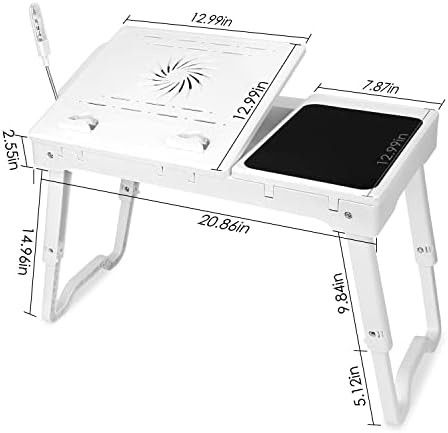
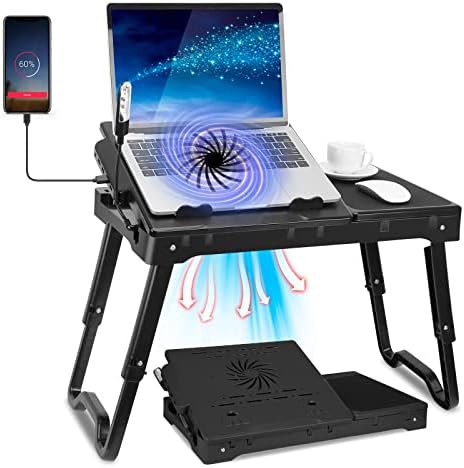
White lap desk with cooling fan
$29.99
Foldable laptop stand Travel laptop stand For bed and sofa Lap desk White laptop stand
 9.2
9.2
KOCASO
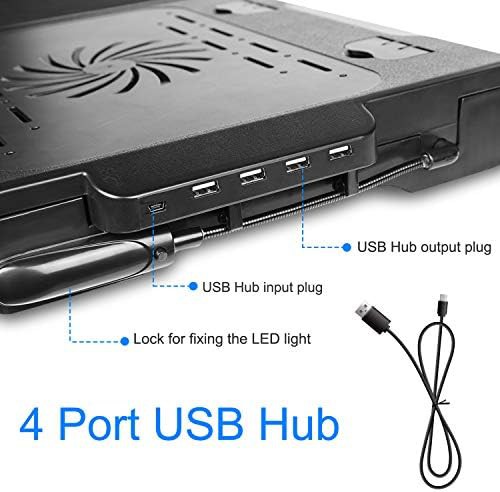
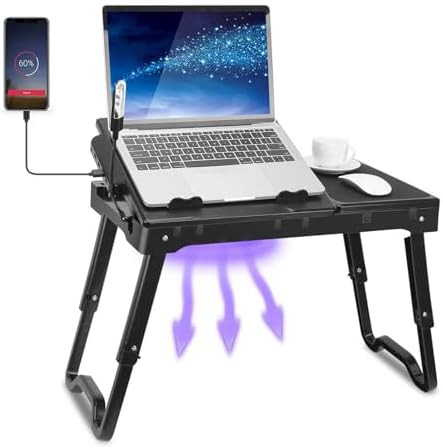
Black portable lap desk with fan
$29.99
Black Foldable laptop stand Portable laptop stand Travel laptop stand For bed and sofa
 8.9
8.9
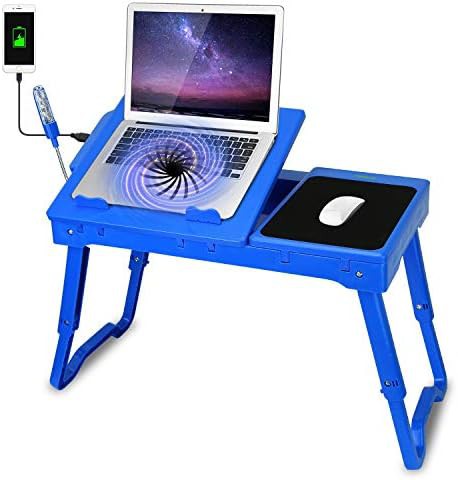
TeqHome
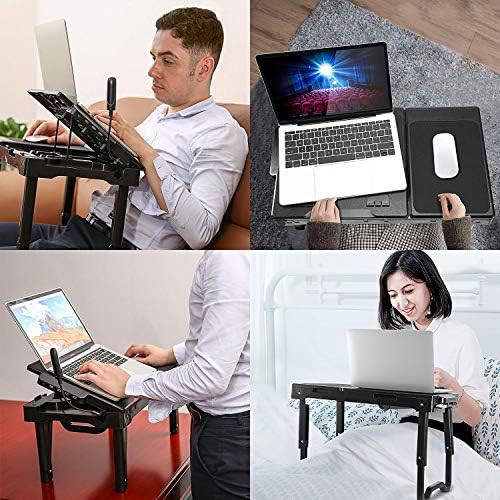
Portable Lap Desk with Integrated Cooling Fan
$49.97
15.6" Foldable laptop stand Portable laptop stand Bed and sofa Lap desk
 8.9
8.9
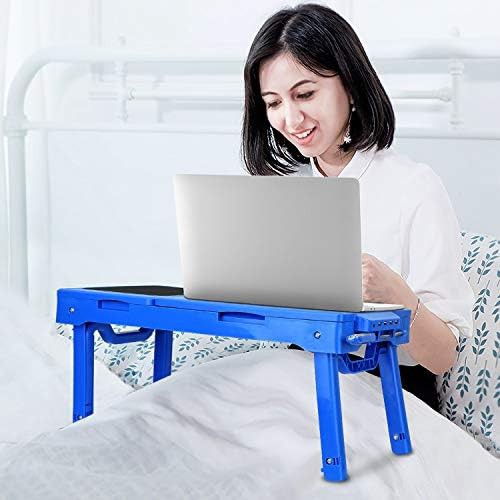
Moclever
Multi-Functional Lap Desk with Cooling Fan
$44.99
Tablet" Foldable laptop stand Fits a tablet Gaming laptop stand For bed and sofa
 8.9
8.9
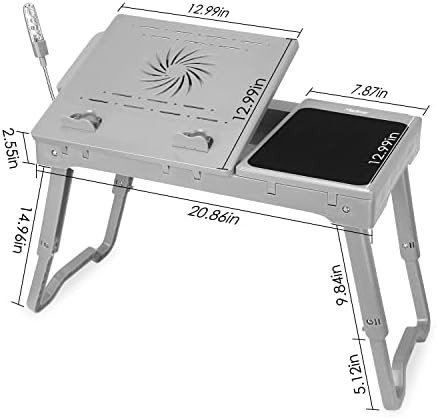
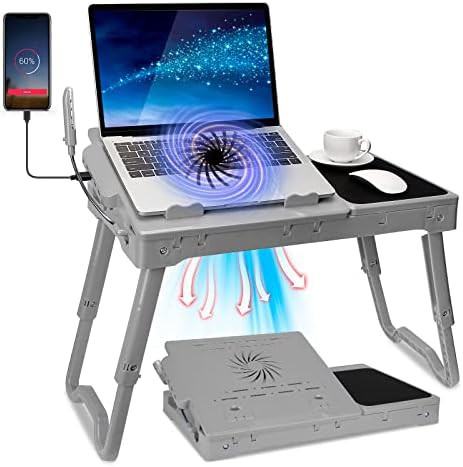
KOCASO
Grey foldable lap desk with mouse pad
$29.99
Gray Foldable laptop stand Portable laptop stand Travel laptop stand For bed and sofa
 8.9
8.9
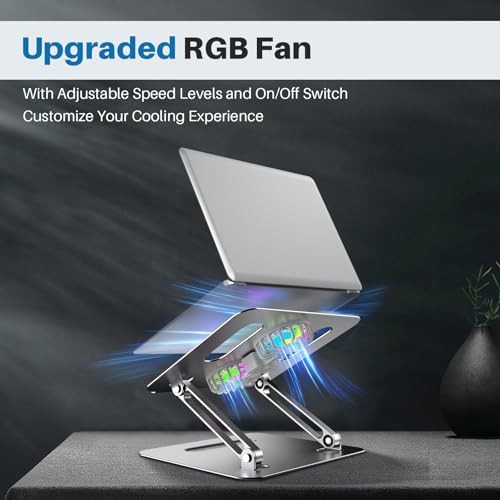
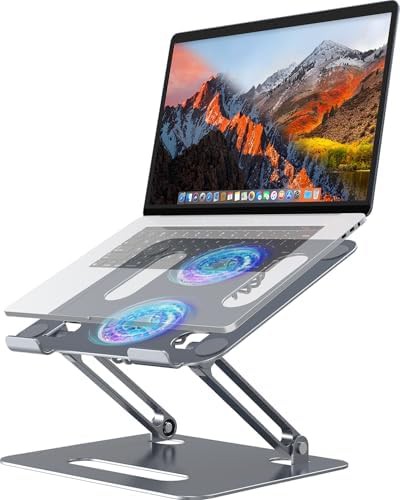
YICOSUN
Gray aluminum cooling stand with RGB lighting
$35.09
16" Gray Foldable laptop stand Aluminum laptop stand Office laptop stand
 8.9
8.9
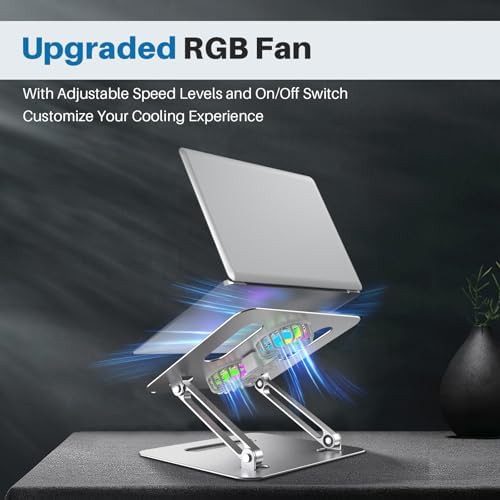
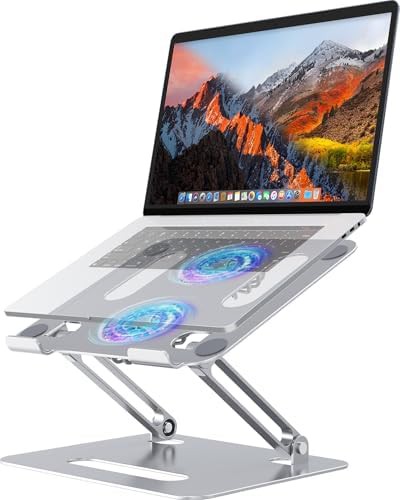
YICOSUN
Silver aluminum cooling stand with RGB lighting
$35.99
16" Foldable laptop stand Aluminum laptop stand Office laptop stand Silver laptop stand
 8.9
8.9
 8.5
8.5
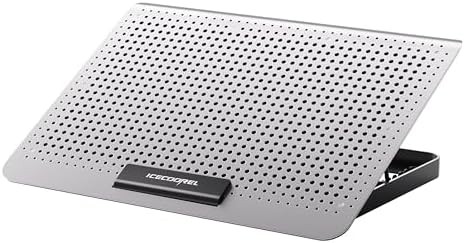
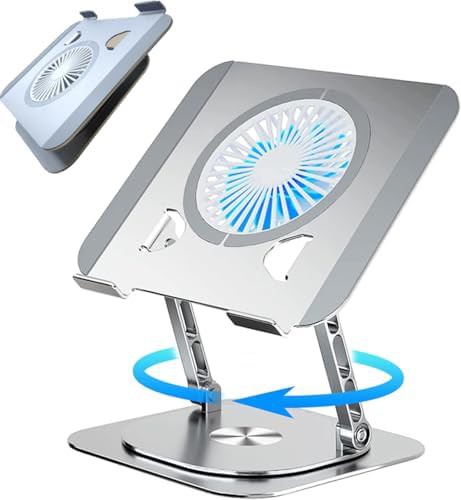
ICE COOREL
Silver Aluminum Laptop Cooling Pad Stand
$19.99
15.6" Aluminum laptop stand Silver laptop stand
 8.5
8.5
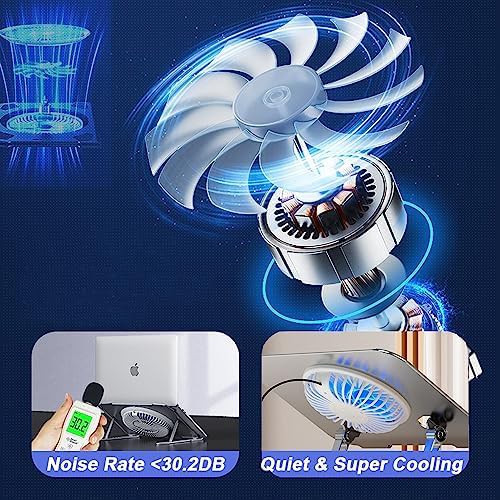
KEROLFFU
Rotating metal stand with cooling fan
$36.77
17" Office laptop stand 360° Rotating laptop stand Metal laptop stand
 8.4
8.4
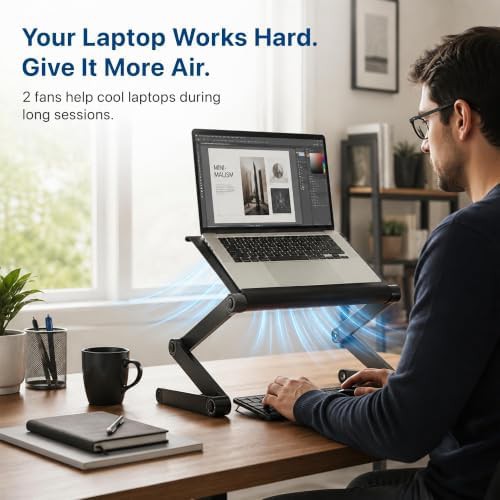
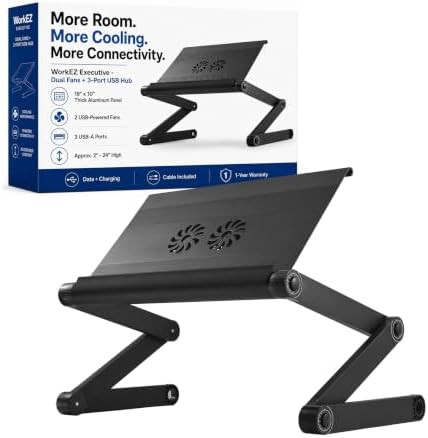
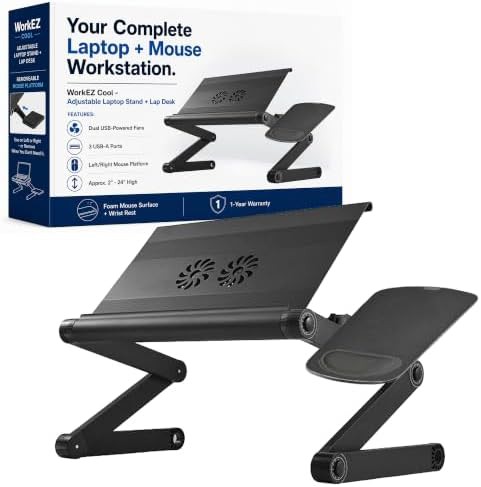
Uncaged Ergonomics
Portable Aluminum Stand with Dual Fans
$69.99
Black Portable laptop stand Aluminum laptop stand Office laptop stand For bed and sofa
 8.4
8.4
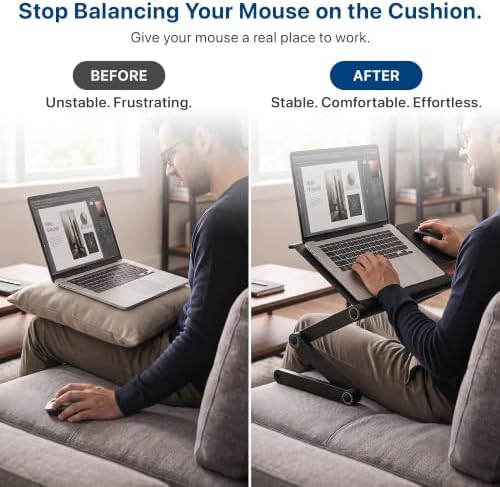
Uncaged Ergonomics
Laptop Lap Desk with Dual Cooling Fans
$74.99
Black Foldable laptop stand Office laptop stand For bed and sofa Lap desk
 7.9
7.9
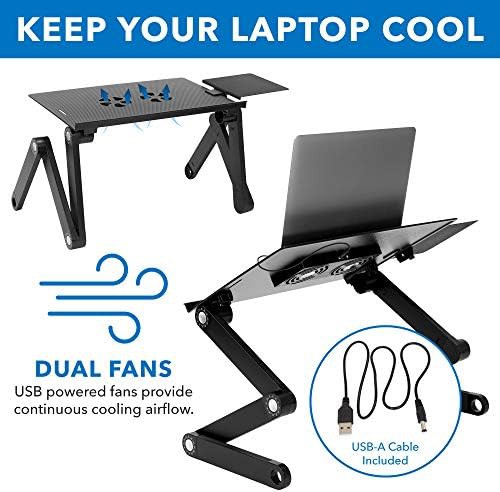
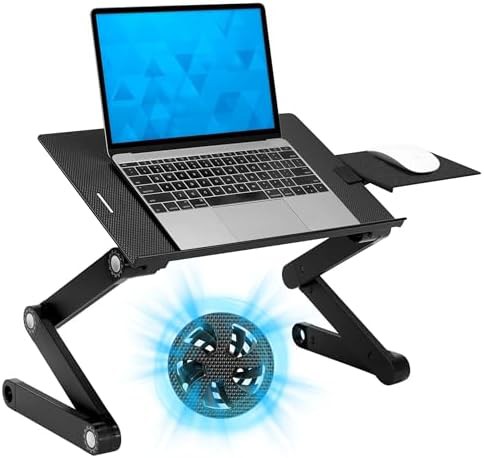
Mount-It
Aluminum Lap Desk with Cooling Fans
$51.99
Portable laptop stand Aluminum laptop stand For bed and sofa Lap desk With mouse tray
 7.5
7.5
 7.0
7.0
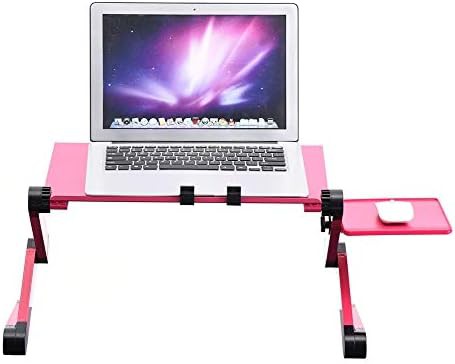
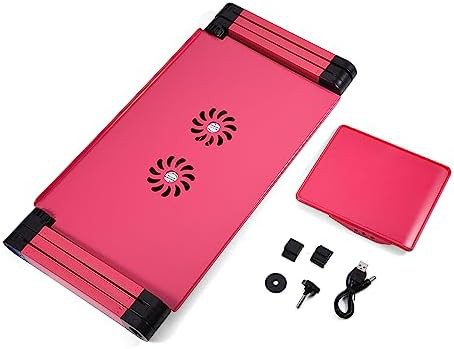
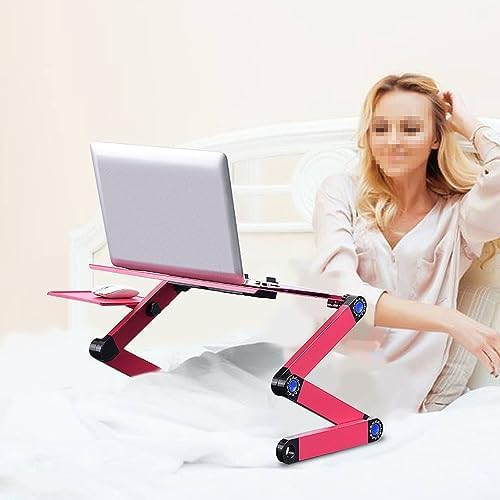
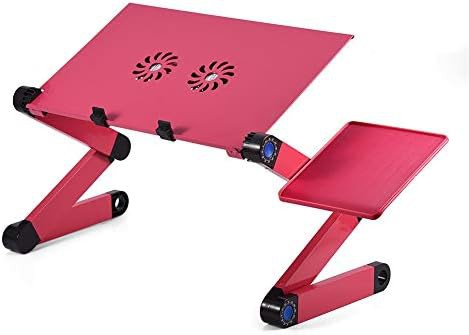
V BESTLIFE
Rose Red Adjustable Desk with Dual Cooling Fans
$57.32
17" Red Foldable laptop stand Aluminum laptop stand 360° Rotating laptop stand
 6.9
6.9
 5.0
5.0
Rainbeam
Aluminum Lap Desk with Cooling Ventilation
$59.99
Portable laptop stand Aluminum laptop stand Lap desk
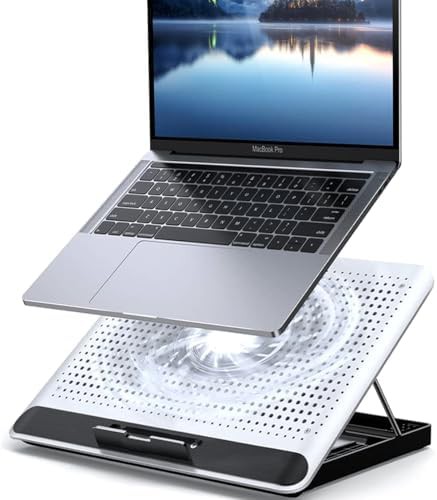
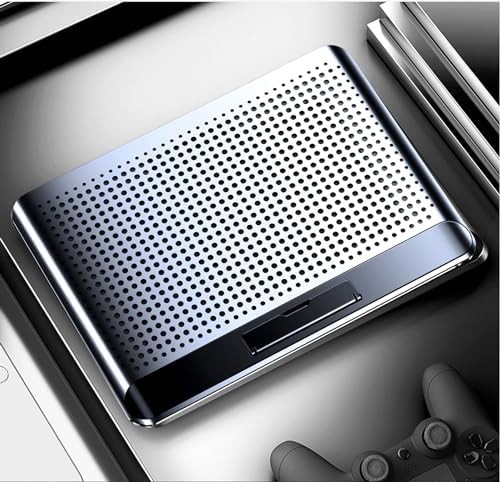
KEROLFFU
Aluminum cooling pad with single fan
$22.99
16" Foldable laptop stand Aluminum laptop stand Travel laptop stand Lap desk
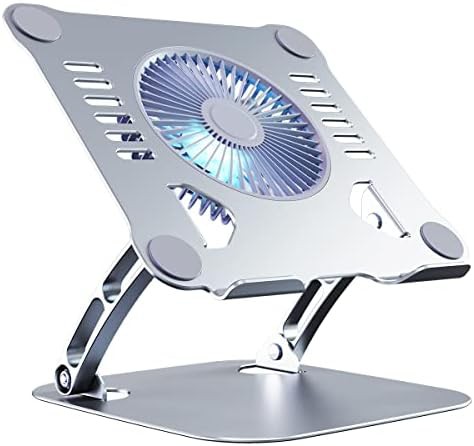
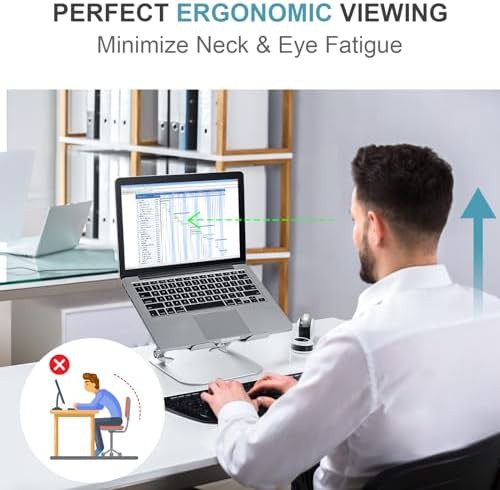
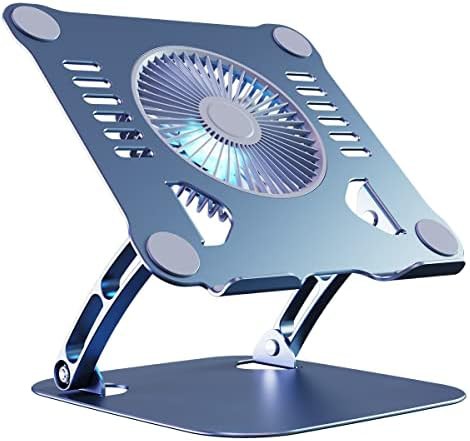
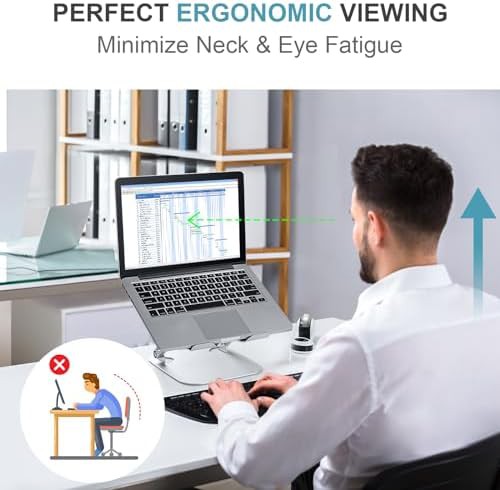
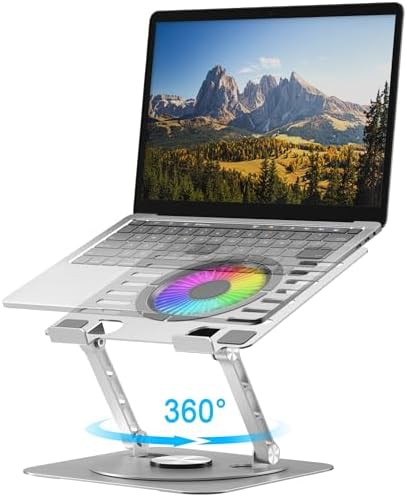
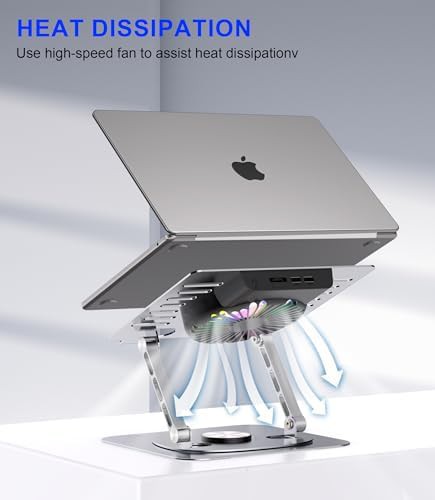
DongGuan Simer Electronics
Silver Rotating Laptop Stand with RGB Cooling Fan
$23.99
17" Foldable laptop stand Fits a tablet 360° Rotating laptop stand With RGB lighting
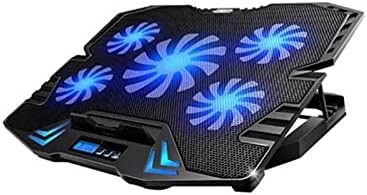
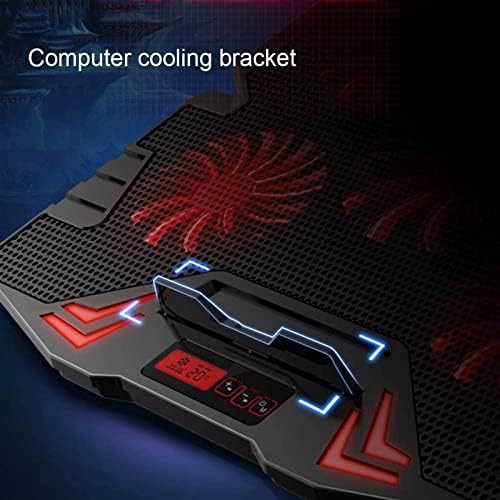
Zhjlut
Gaming Laptop Cooler with Silent Fans
$56.40
Tablet" Office laptop stand Fits a tablet Gaming laptop stand
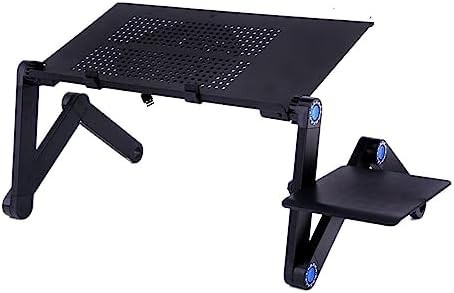
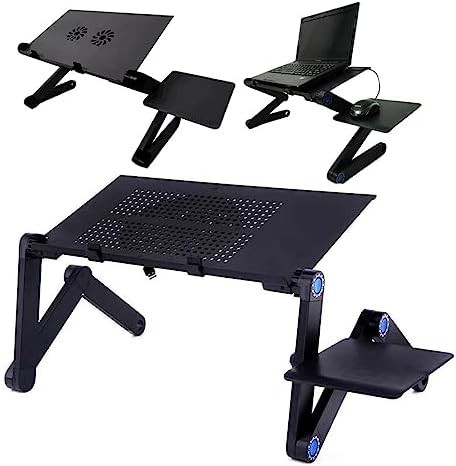
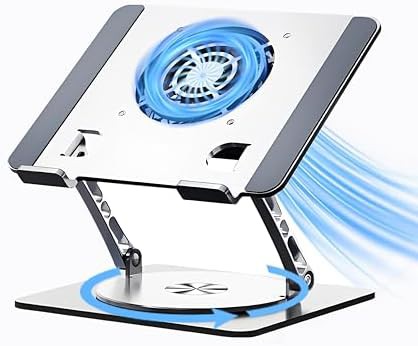
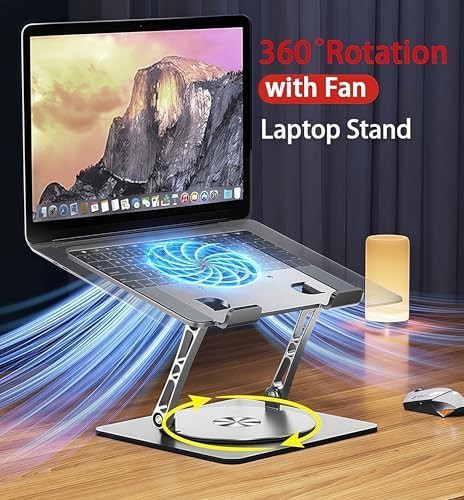
Craftreasure
Adjustable Gaming Stand with 360 Rotating Base
$29.99
360° Rotating laptop stand Gaming laptop stand
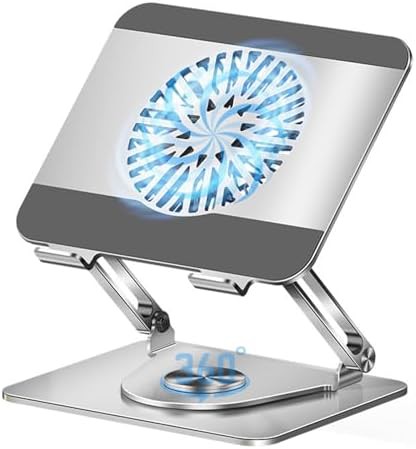
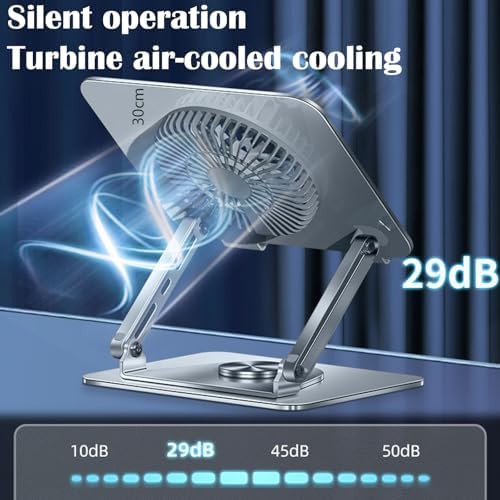
VanFeb
Rotating Dual Bar Stand with Cooling Fan
$39.96
17" Foldable laptop stand 360° Rotating laptop stand
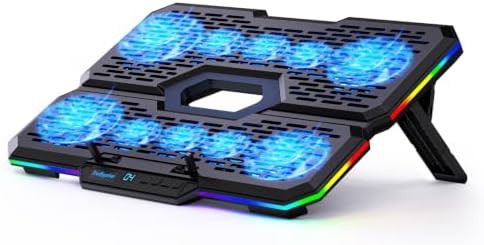
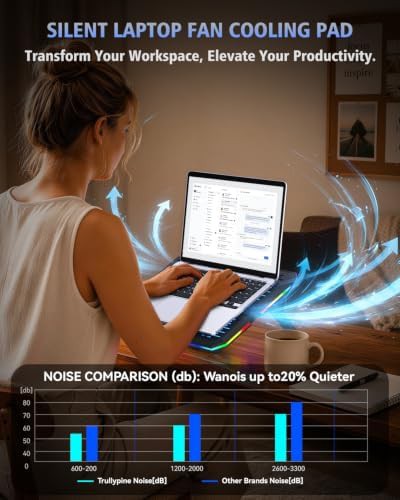
Shenzhen Yuelaiyueku Technology
Gaming Cooling Pad with Ten Fans
$25.99
Gaming laptop stand With RGB lighting
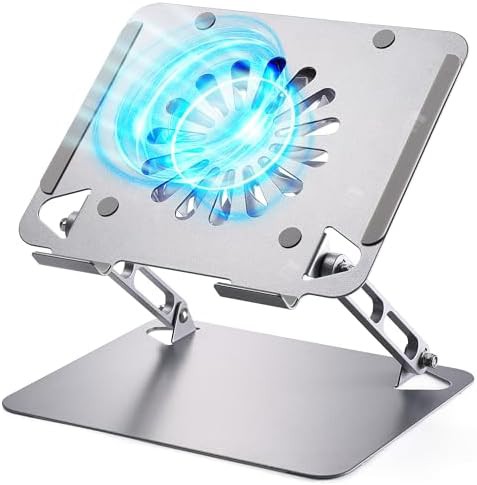
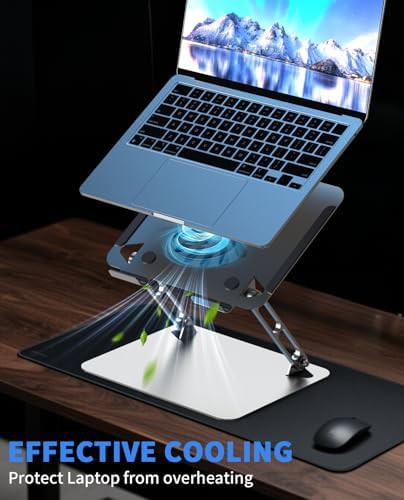
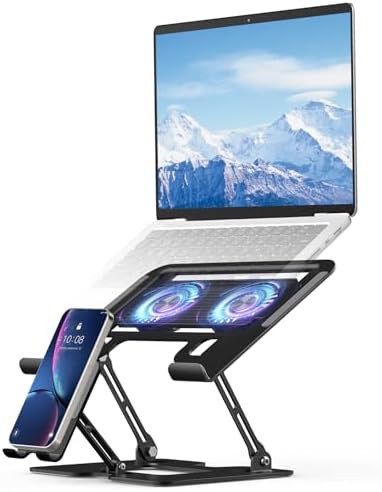
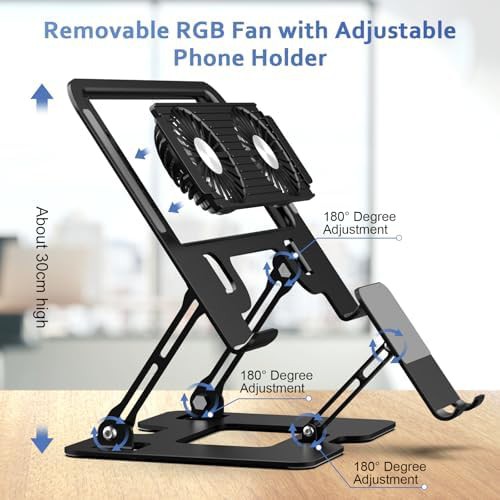
Electmagic
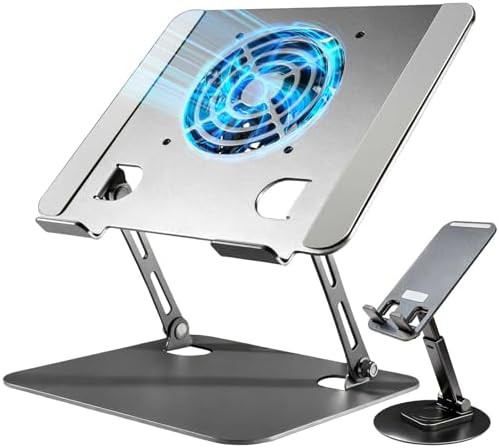
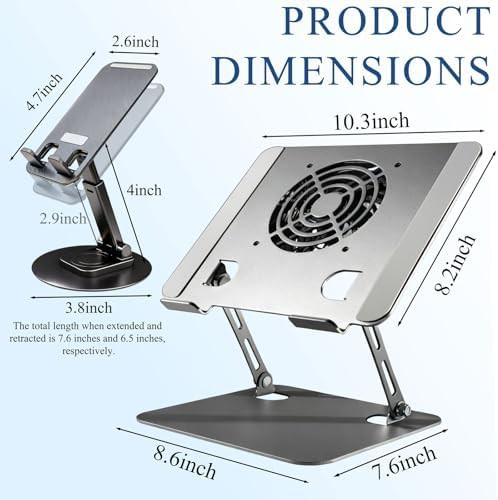
Black Metal Cooling Stand with Phone Holder
$35.99
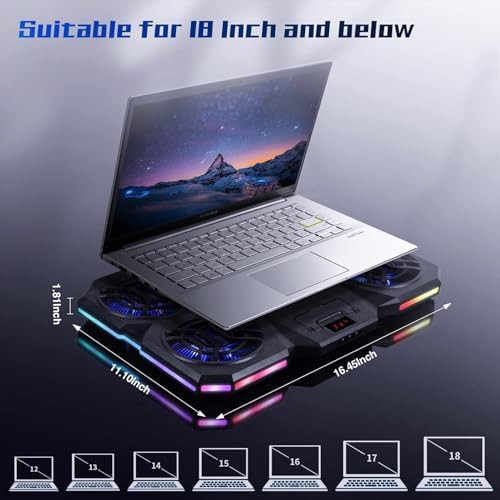
16" Black Metal laptop stand With phone holder With RGB lighting
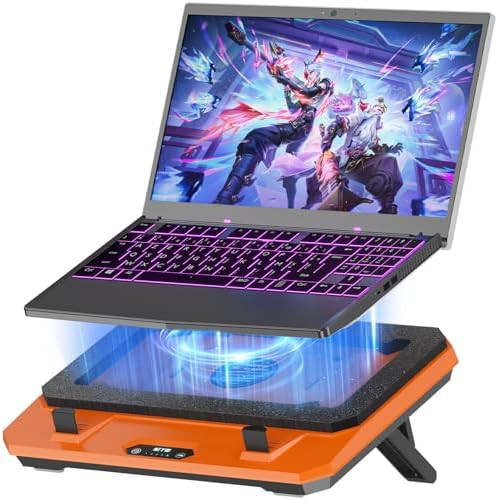
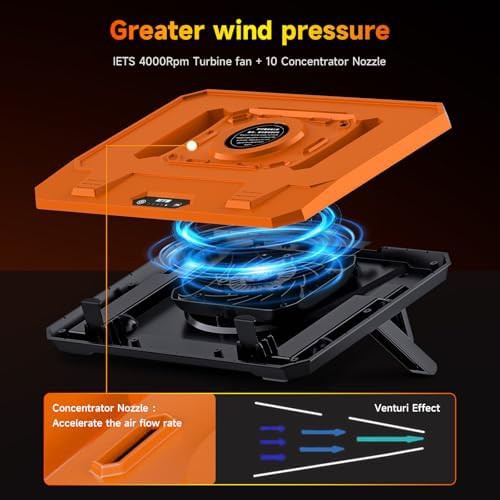

Shenzhen, Guangdong
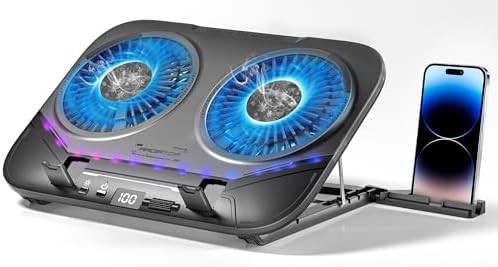
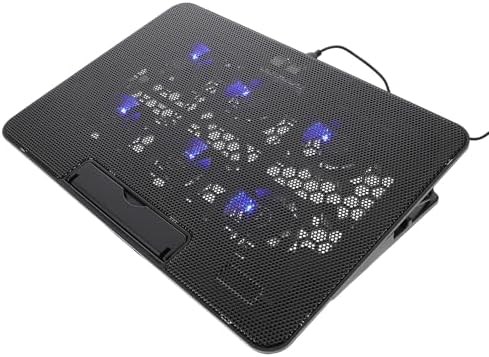
Dual Core TEC Cooling Stand Black
$19.99
17" Black Gaming laptop stand With RGB lighting
SHUWEI
Foldable Cooling Fan Stand for Gaming
$27.99
17" Foldable laptop stand Portable laptop stand Office laptop stand Silver laptop stand
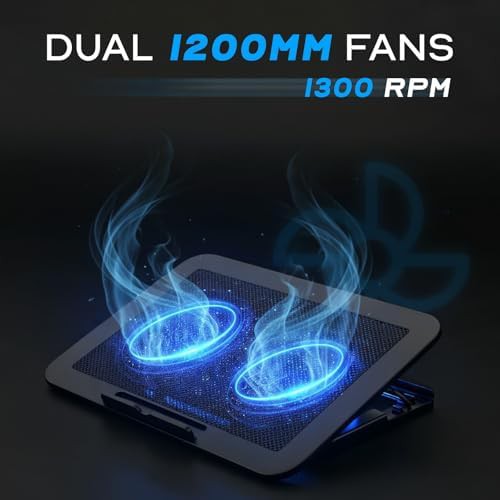
Quest U
Gaming Metal Mesh Dual Fan Cooling Pad
$17.99
17" Portable laptop stand Metal laptop stand Gaming laptop stand
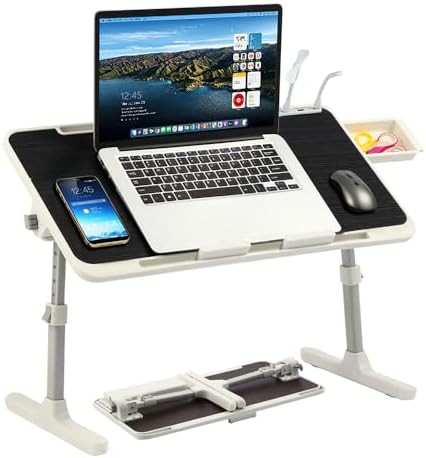
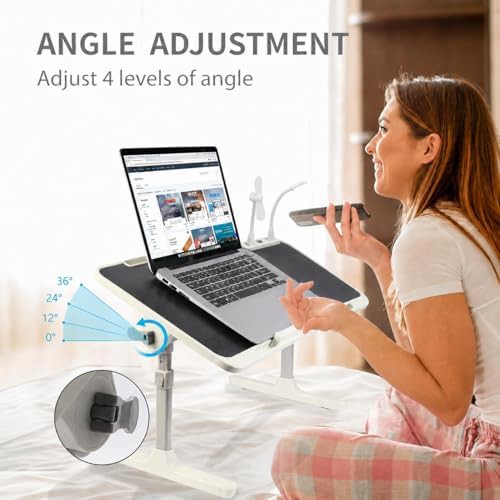
PHANCIR
Black Portable Lap Desk with Cooling Fan
$31.99
Black Foldable laptop stand Portable laptop stand For bed and sofa Lap desk
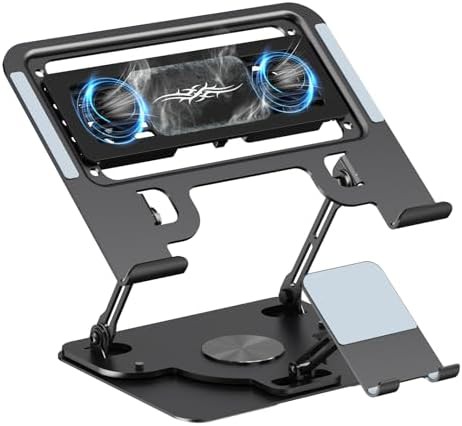
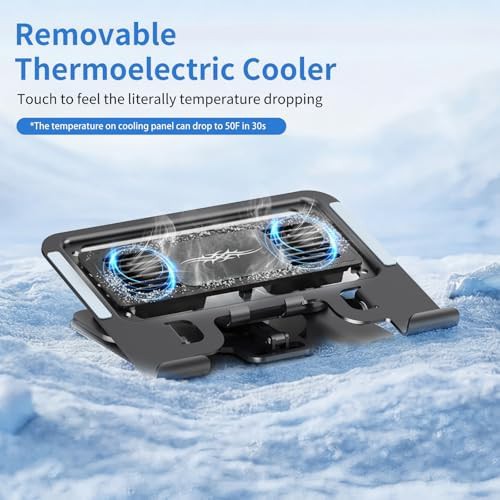
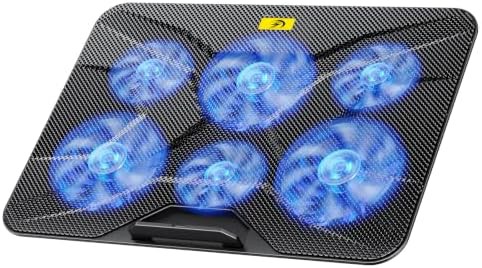
WAGOZZLE
Black Gaming Cooling Pad with Detachable Fan
$49.99
Tablet" Black Fits a tablet Gaming laptop stand With phone holder
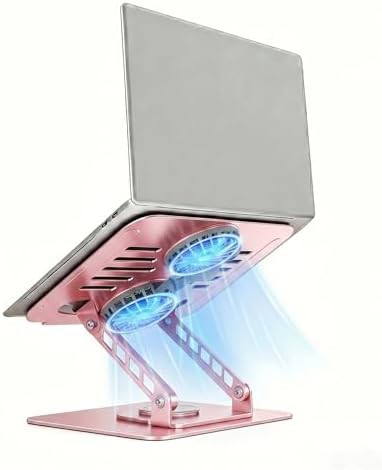

Attoe
Pink rotating aluminum gaming laptop riser
$25.99
17" Riser Foldable laptop stand Aluminum laptop stand 360° Rotating laptop stand
PHANCIR
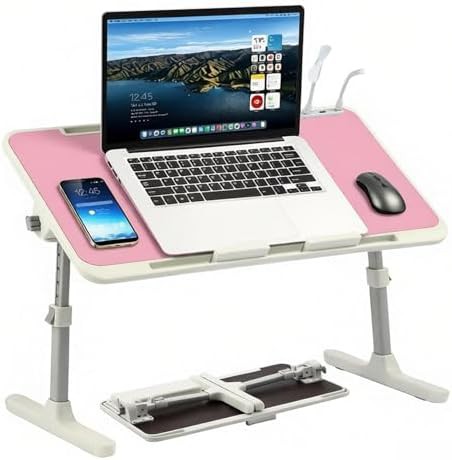
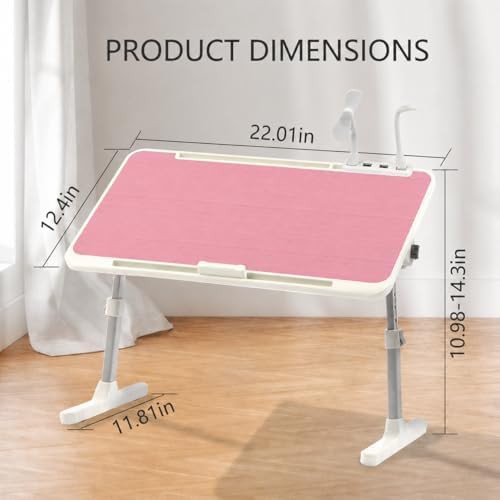
Pink Adjustable Lap Desk with LED Light
$35.99
Foldable laptop stand Portable laptop stand For bed and sofa Lap desk Pink laptop stand

 8.1
8.1
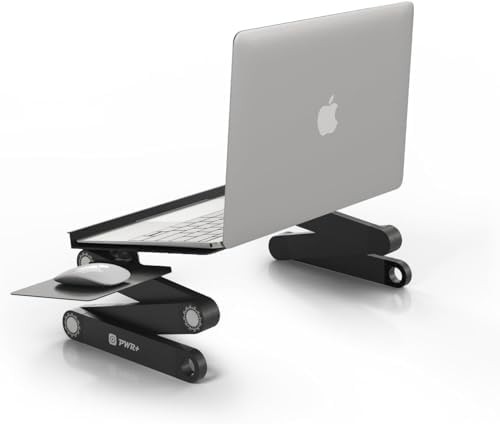
PWR+
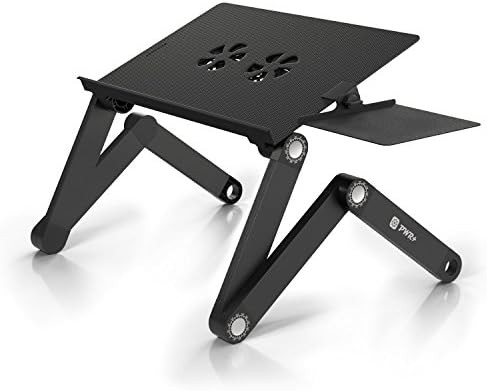
Black aluminum gaming laptop bed tray 17 in
17" Black Foldable laptop stand Portable laptop stand Aluminum laptop stand
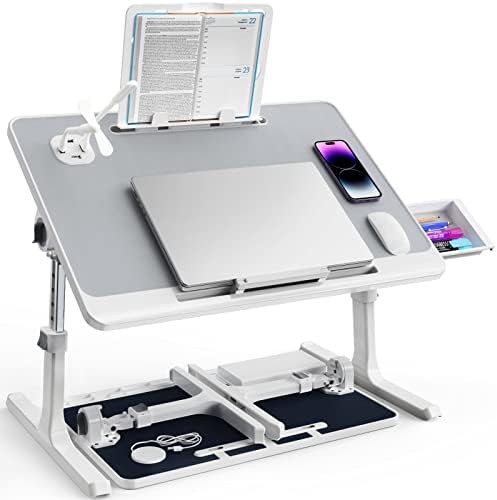 7.6
7.6
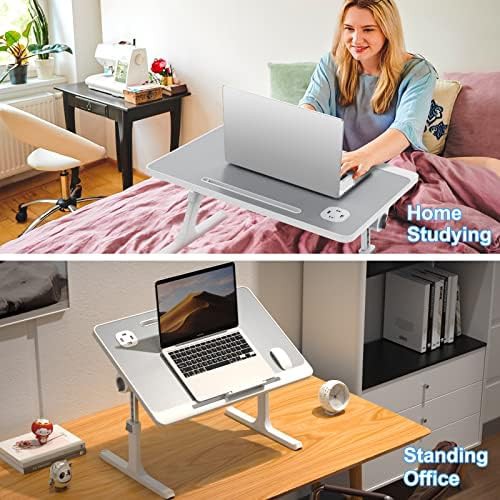
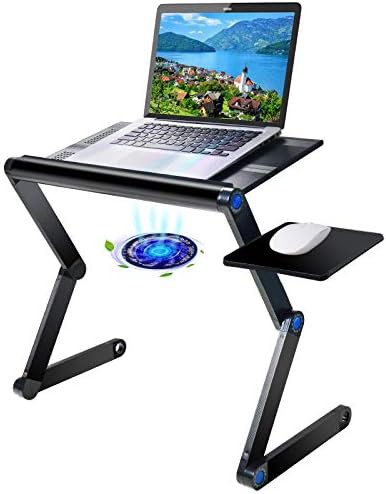 7.0
7.0
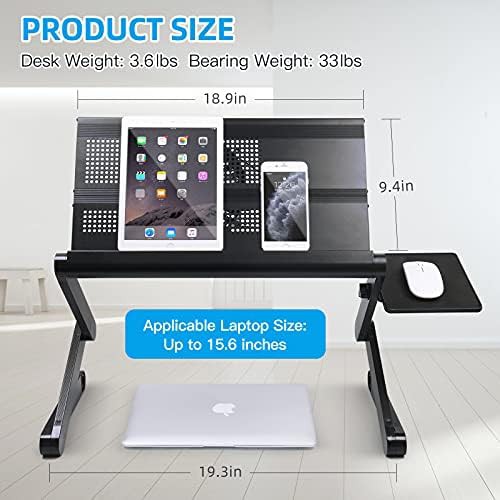
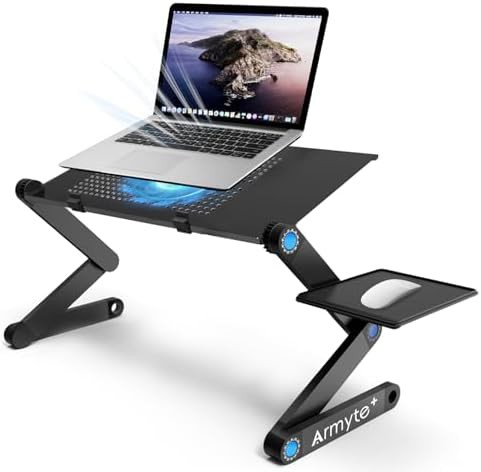
Armyte
Extra wide lap desk with cooling fan
Black Foldable laptop stand Portable laptop stand Aluminum laptop stand For bed and sofa
 6.8
6.8
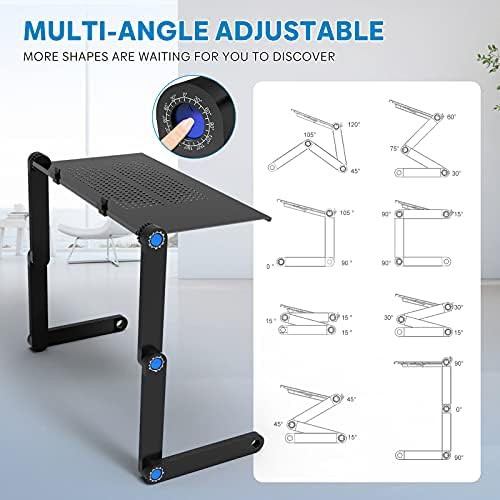
CORNMI
Black Aluminum Lap Desk with Cooling Fan
17" Black Portable laptop stand Aluminum laptop stand Office laptop stand Bed and sofa
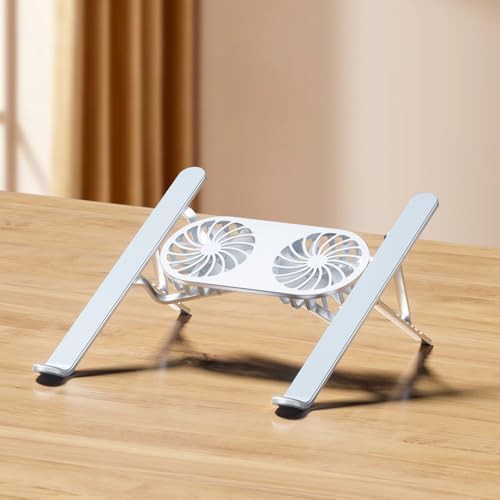
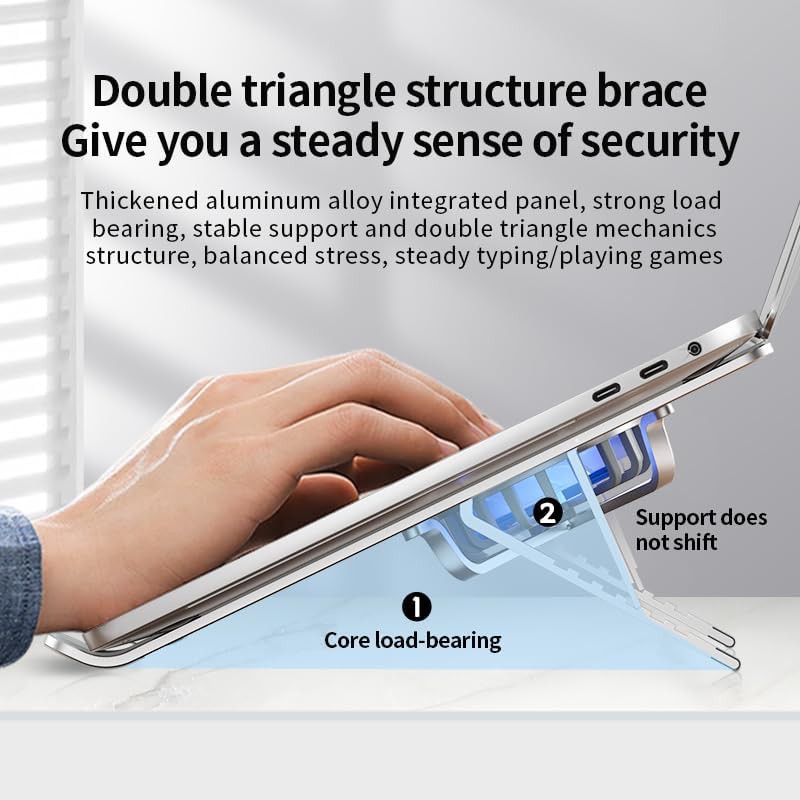
Miteng
Silver Ventilated Stand with Cooling Fans
17" Foldable laptop stand Portable laptop stand Aluminum laptop stand Silver laptop stand
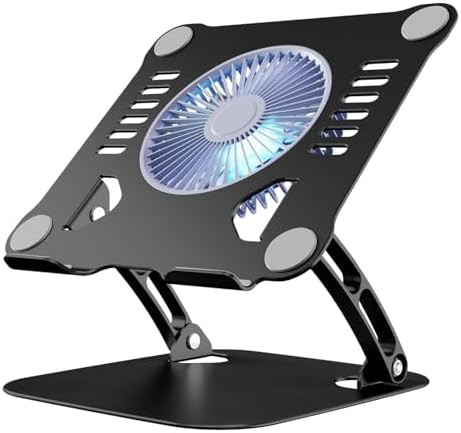
Active thermal management for high performance
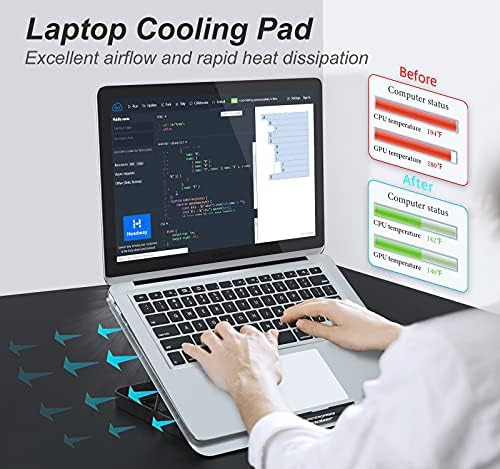
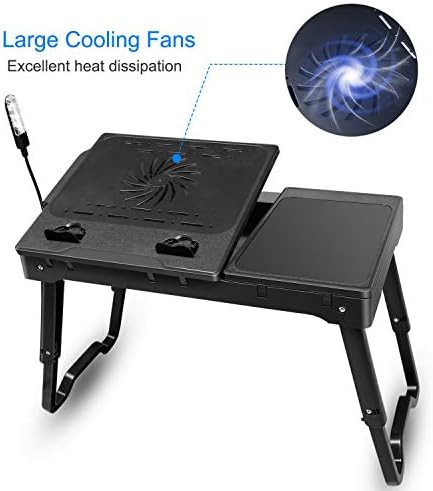
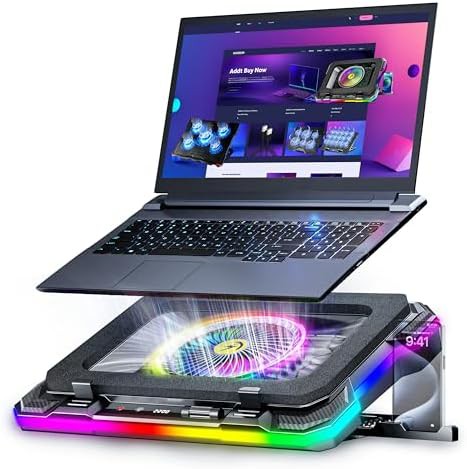
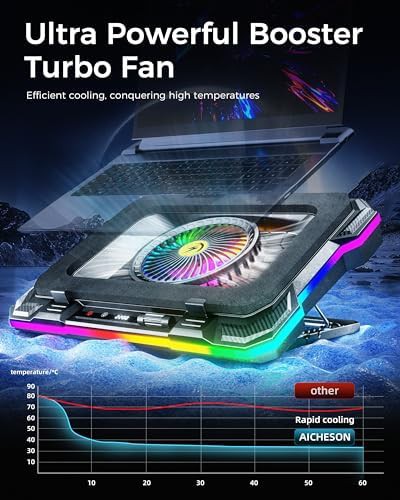
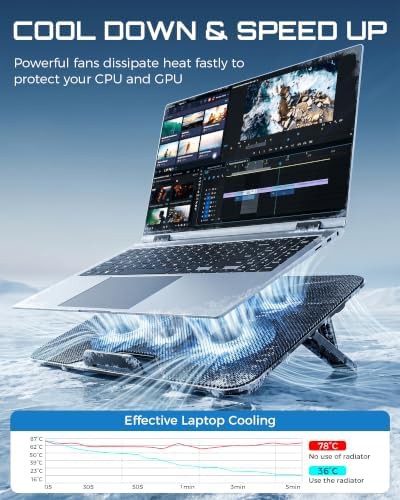
Laptops used for gaming or video editing generate significant heat. These stands use integrated USB-powered fans to pull heat away from the chassis. Most models connect directly to your computer port, eliminating the need for external wall outlets.
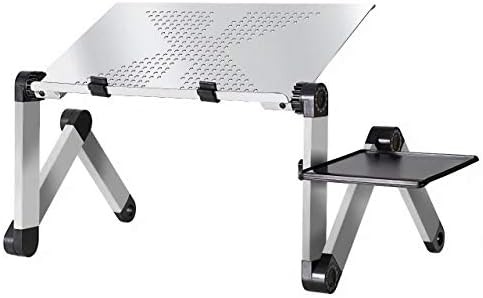
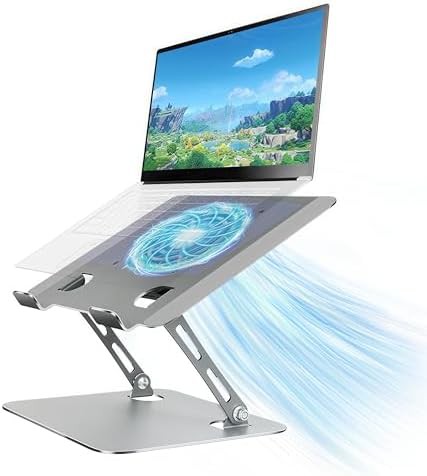
Aluminum frames often serve as a secondary heat sink. The metal surface works with the fans to lower operating temperatures. This combination helps prevent thermal throttling during intensive tasks.
Common configurations and features
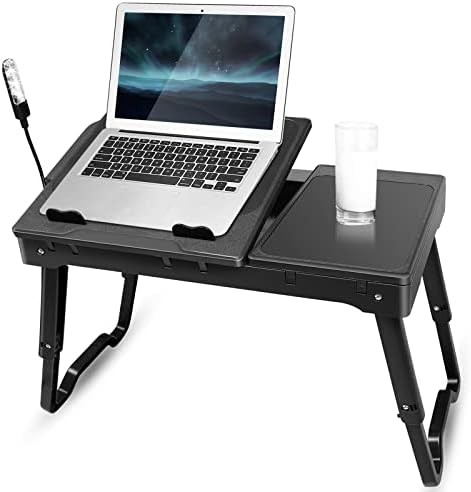
This collection includes diverse form factors ranging from slim aluminum risers to large lap desks for bed use. Many designs incorporate extra utility beyond cooling.
Look for these specific hardware additions in the listings:
- Built-in LED lighting for low-light environments
- Integrated USB hubs with up to 4 ports for peripherals
- Detachable or fixed mouse pads for couch use
- Adjustable legs for height and tilt customization
- Storage drawers for cables and small accessories
Selecting the right fit for your device
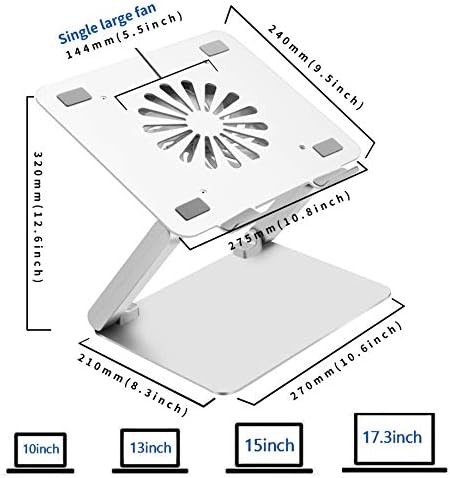
Check the width of your laptop against the stand dimensions. Models like the TeqHome or Dgear are sized for larger 17 in machines. Compact aluminum radiators from brands like Eiyikof are better suited for 10 to 15 in ultrabooks.
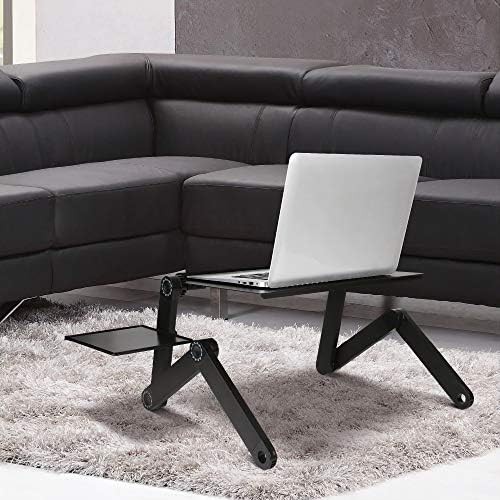
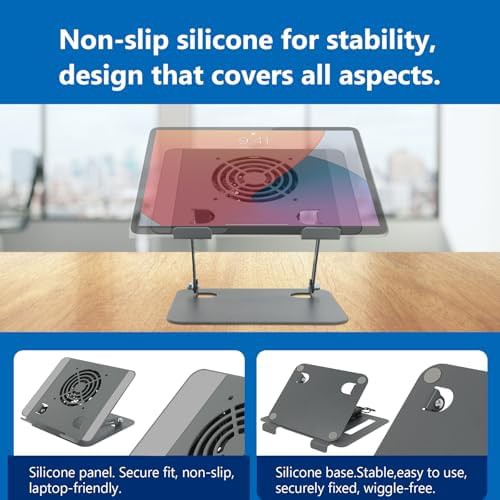
Portable options from Uncaged Ergonomics fold flat for travel. If you work primarily from a sofa or bed, prioritize the tray-style desks with foldable legs for better stability on soft surfaces.